
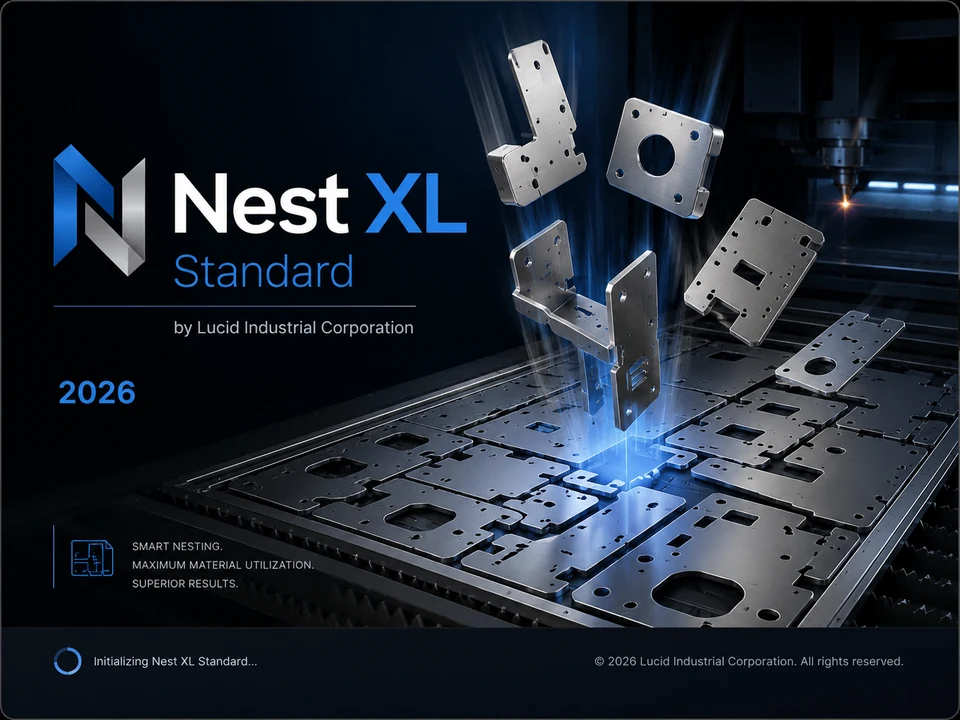
Laser cutting nesting affects far more than the number of parts on a sheet. The layout influences purchased material, machine travel, pierce count, heat concentration, part stability, unloading, and the accuracy of the customer quote.
Use the real geometry
True-shape nesting can interlock irregular profiles and use openings that bounding-box methods ignore. This is especially valuable for brackets, rings, gussets, frames, and mixed assemblies.
Preserve internal holes and verify that marking or bend lines are classified correctly before nesting.
Choose realistic part spacing
The smallest possible gap is not always the safest gap. Consider material thickness, heat input, head clearance, part tip-up, slat condition, and the shop's cutting strategy. A stable nest reduces recuts and protects the nozzle and optics.
Manage heat distribution
Dense clusters can concentrate heat in one area of the sheet. Rotation and placement choices may help distribute cutting. The final cut sequence is usually handled by CAM or the machine controller, but the nest should not create obviously fragile islands or unsupported parts.
Account for pierces
Two jobs with the same cut length can have very different run times when one contains hundreds of small holes. Quote calculations should include pierce count and an appropriate process allowance.
Preserve grain and finish direction
Brushed stainless, directional finishes, and parts with forming requirements may need fixed orientation or limited rotation. Assign those rules to the affected parts instead of restricting the entire job.
Use mirroring carefully
Mirroring can open valuable placement combinations, but only use it for parts that are truly reversible. Countersinks, markings, film direction, and formed features can make a mirrored DXF incorrect.
Evaluate the leftover sheet
A high utilization number is useful, but a clean rectangular drop may be more valuable than several narrow strips. For expensive stainless, aluminum, or specialty alloy, the reusable remnant can materially change the net cost.
Connect the nest to the quote
A laser quote should use actual sheet or remnant consumption, cut length, pierce count, expected speed, machine hourly cost, setup, material markup, secondary operations, shipping, tax, and margin.
Nest XL combines these values with the nested project so sales and production do not work from separate assumptions.
Build a repeatable workflow
- Import and clean the DXF files.
- Set quantities, material, thickness, mirror, grain, and rotation.
- Run the nest using approved stock.
- Review yield and remnant quality.
- Calculate cost and issue the quote.
- On approval, export the production DXF and record stock use.
Nest XL Corporate adds automatic sheet selection, remnant records, quote status, and production tracking to the core nesting and quoting process.