AI-assisted production nesting
AI Assist and Nest Genius start working before you press Run.
Use the software manually, or let AI Assist take visible control of the nesting decisions that affect material yield.
AIAI Assist
Run AI Nest automatically selects spacing, edge margin, kerf allowance, legal rotations, mirroring, usable-hole placement, optimizer strategy, and improvement time for the current job. The controlled fields are visibly locked while AI Assist is active so the operator always knows AI is in control. For cutting-machine safety, AI Assist always keeps a positive part separation and never enables part touching or shared-line cutting automatically.
Automatic setupVisible AI controlRun AI Nest
NGNest Genius background inspection
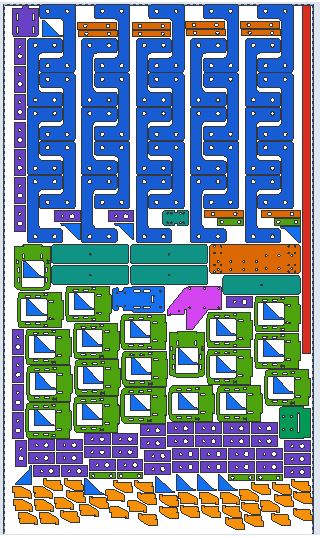
Immediately after DXF import, Nest Genius analyzes each contour, internal hole, legal orientation, mirror option, and part-to-hole fit in the background. The operator can continue preparing the job while reusable geometry intelligence is cached for a faster, stronger nest.
Starts on importNon-blocking analysisShape intelligence
01Manual control remains available
Turn AI Assist off at any time to return spacing, margins, rotation, mirroring, direction, hole use, and optimizer settings to the operator.
AI or manualClear ownership
02Exact production validation
AI-generated and manually edited layouts still pass exact overlap, boundary, edge-margin, and spacing checks before production export.
Conflict checkExact geometry