
Register your perpetual Retail USB license.
Use this page for Nest XL USB Editions purchased on Amazon, eBay, or directly from Nest XL. Every USB license is perpetual with no expiration date. Registration creates the correct Standard or Corporate license, and the same code then authorizes one Windows computer inside Nest XL.
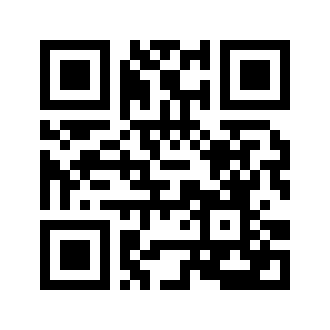 Example card formatNXL-ST-7K4P-9W3M-6TR8-Q2DXYour actual code is under the scratch-off or tamper-evident seal.
Three steps from USB to production.
- 1Install from the USB
Run the complete Standard or Corporate Windows installer included in the package.
- 2Register the sealed code
Complete the form on this page. A confirmation is sent to the registered email when email delivery is configured.
- 3Authorize the computer
Open License & Activation in Nest XL, enter the same Retail Activation Code, and select the Retail USB activation option. The license is automatically bound to that computer.
Contact Nest XL support. After verification, the old computer can be deactivated and one replacement computer authorized.